The Best Windows Uninstaller Tools for Wiping Out Stubborn Software
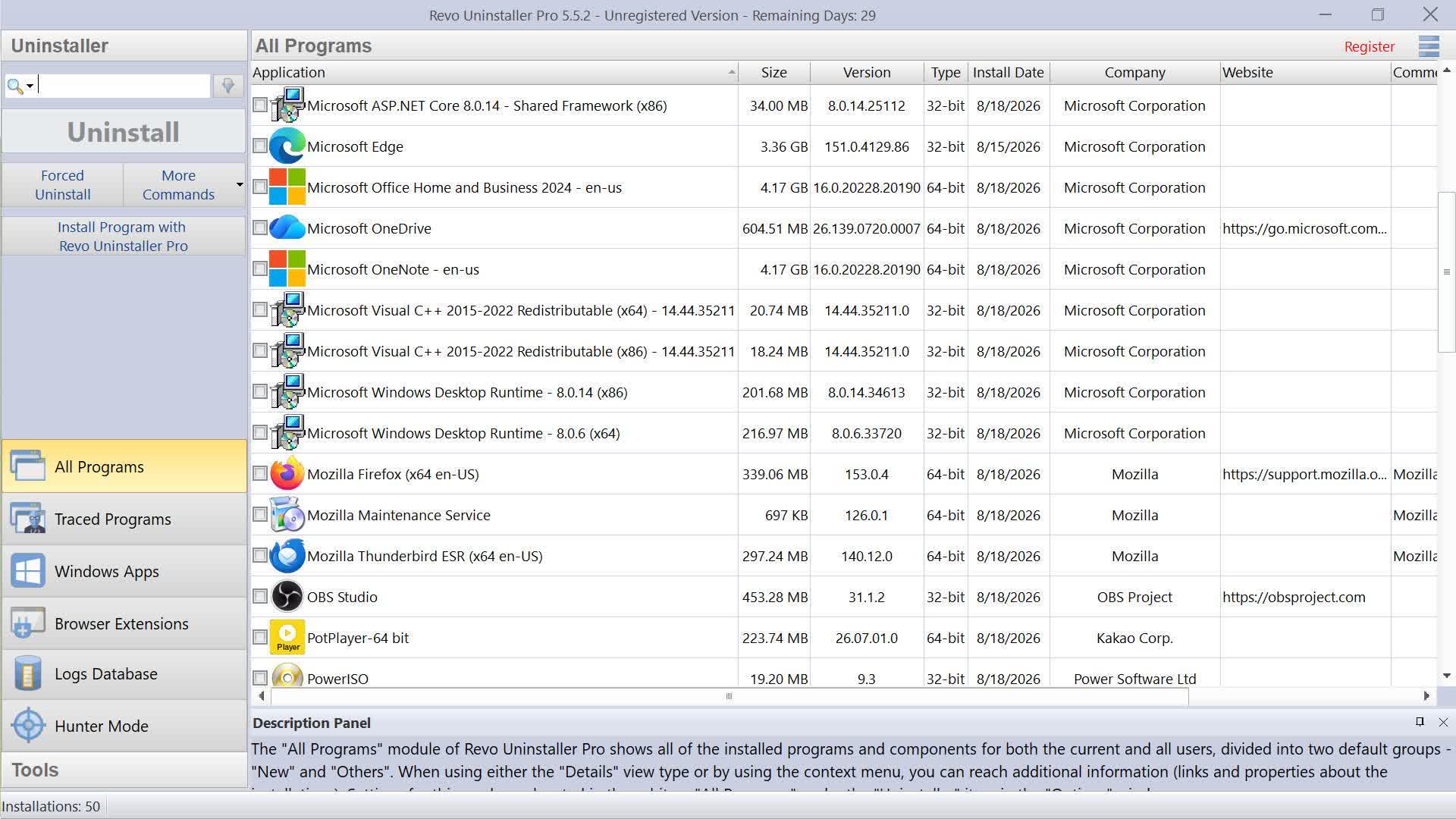
Windows can remove most desktop software and Microsoft Store apps on its own, and for routine uninstalls, the built-in tools are usually enough. A third-party uninstaller becomes useful when a program's removal process is broken, you need to remove many apps at once, or you want to scrub residual files and registry keys that are often left behind.
Most of these utilities first run the program's own uninstaller, then scan for residual folders, files, services, scheduled tasks, and registry entries. Some can also monitor an installation from the beginning, which gives them a much more accurate record of what should be removed later.
No leftover scanner is infallible though. Shared files and registry entries can produce false positives, so review aggressive cleanup results and create a restore point or backup before removing anything important. Leftover registry entries also do not normally slow down modern versions of Windows, and registry cleaners...
Copyright of this story solely belongs to techspot.com. To see the full text click HERE