

How To Update Your GPU Drivers In Windows 11
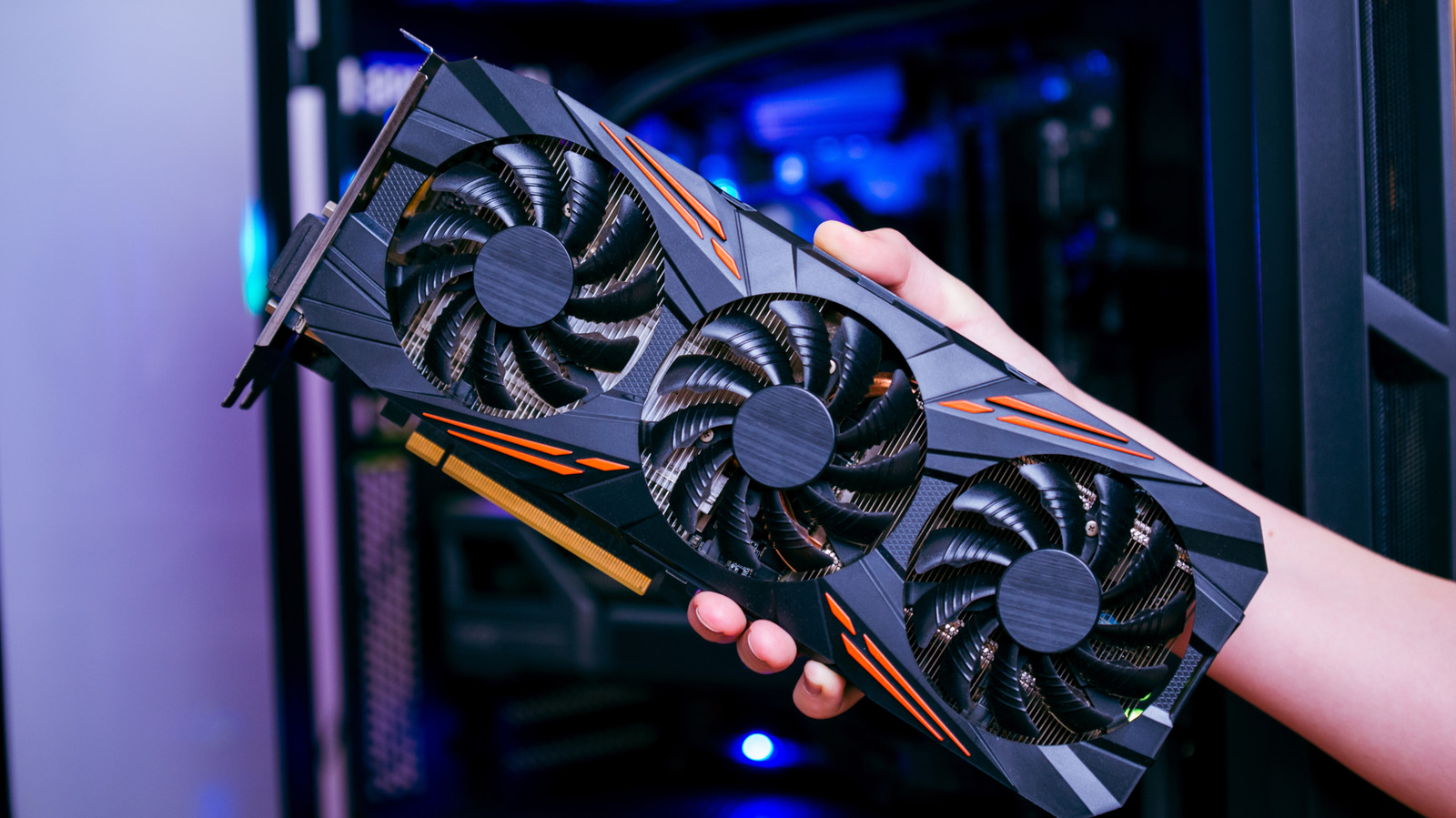
Graphics card driver updates are important, but finding them can be confusing.
RSplaneta/Shutterstock
Software updates for apps, operating systems and services primarily serve two benefits — they deliver new features and fix known issues. Hardware driver updates largely fall into the latter category, so don't offer as much excitement, but keeping them up-to-date is a good way to ensure your computer's internals perform optimally.
Graphics cards (GPUs) often receive the most updates, with new game releases often requiring a driver update to yield the best possible performance. But knowing the best place to get them on your Windows PC can often be confusing.
If you haven't updated your GPU drivers in a hot minute, navigating to Settings > Windows Update and clicking on Check for updates will fetch available updates and install them. However, you can also check for new graphics card drivers through another built-in utility.
Open the Start...
Copyright of this story solely belongs to www.engadget.com. To see the full text click HERE


