Auto Split for 3D Printing Is Now Available in Meshy: from Model to Build Plate
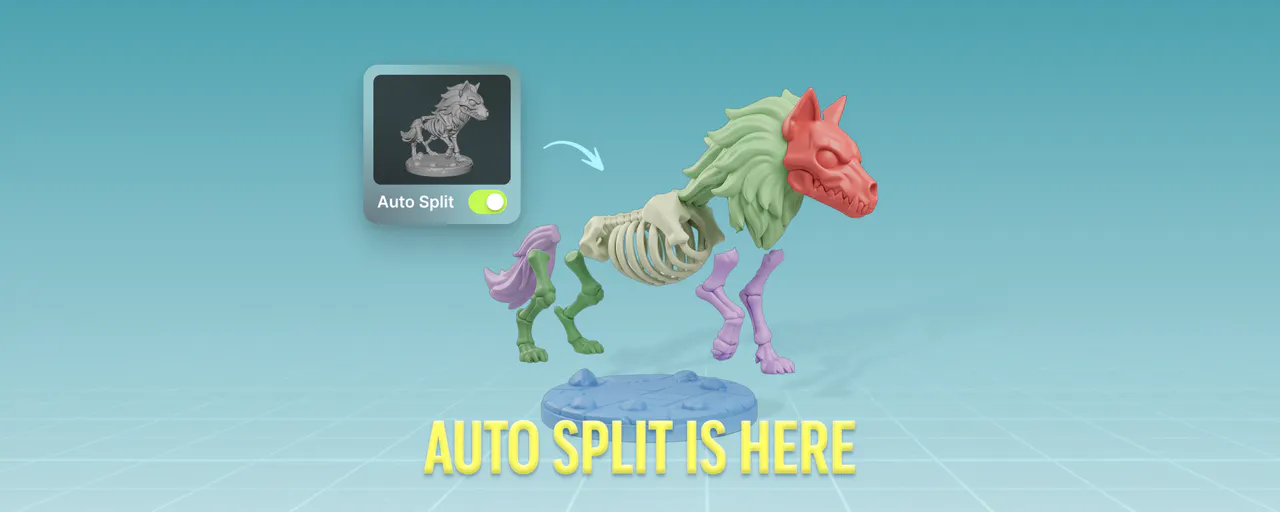
Generating a 3D model and printing it are two separate problems. Text-to-3D and image-to-3D tools have made generation fast. Preparing that model for a real FDM printer, splitting it, capping cut surfaces, arranging parts on the build plate, has still required manual work across Blender, Meshmixer, and a slicer.
Most models are not print-ready as generated. They exceed build plate dimensions, require color separation across multiple filaments, or contain open mesh surfaces that slicers cannot process. Addressing these issues has meant cutting the model, capping each cut surface to restore watertight geometry, and manually arranging parts on the build plate — each step in a different tool, with no guarantee the pieces fit back together.
Auto Split handles those steps inside Meshy. Any model you generate or upload can be split into parts, auto-capped, and auto-arranged on the build plate in a single operation. This article covers why splitting...
Copyright of this story solely belongs to hackernoon.com. To see the full text click HERE