Your Encrypted ZIP Is Announcing What's Inside It
Take a folder, compress it into a password-protected ZIP, and send it to someone.
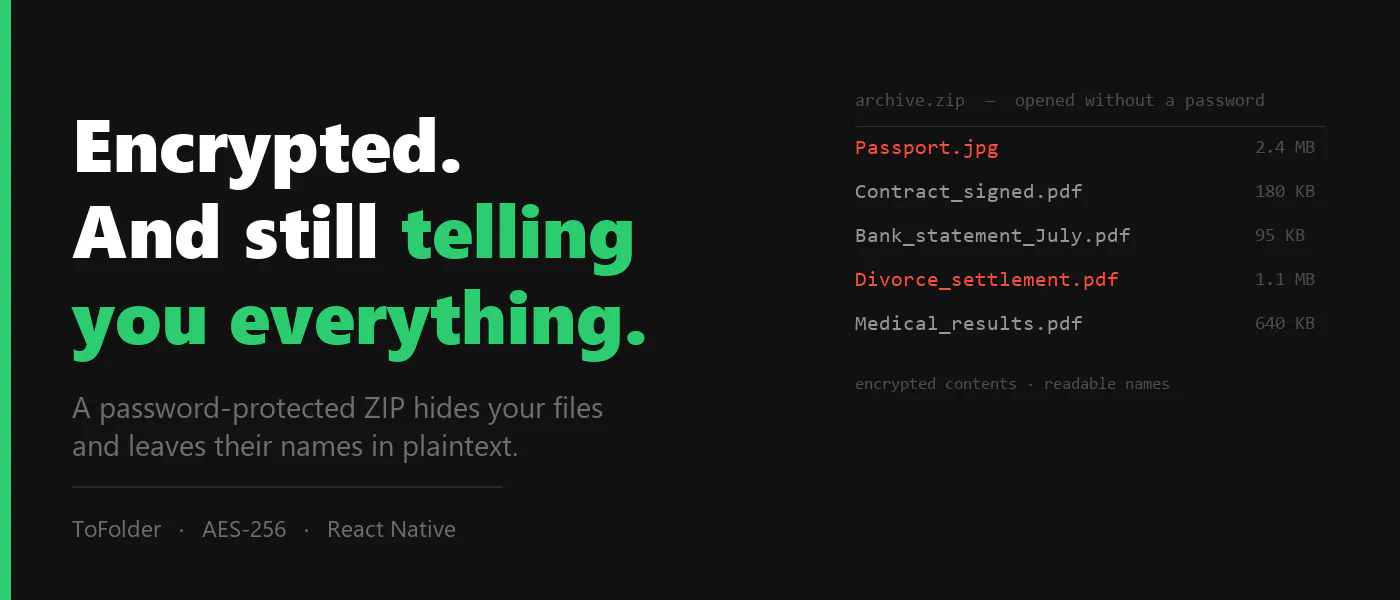
Now open that archive without the password.
You'll get this:
Passport.jpg 2.4 MB 2026-08-14Contract_signed.pdf 180 KB 2026-08-12Bank_statement_July.pdf 95 KB 2026-08-01
The contents are encrypted. Nobody can read a single byte of those files.
The file list is sitting right there in plaintext.
I found this out while building encrypted export into ToFolder, a local-only photo and document app I shipped this summer. I had spent a week getting AES-256 working, felt very good about myself, opened the result on my desktop to admire it, and saw every filename listed neatly in 7-Zip without being asked for anything.
Why it happens
It's the format, not the tool.
In a ZIP archive, encryption covers entry data. The central directory — filenames, sizes, timestamps, the count of entries — stays readable, because that's how tools list an archive's contents...
Copyright of this story solely belongs to hackernoon.com. To see the full text click HERE