

You Can Control Your Other Devices With This Resourceful Apple Feature
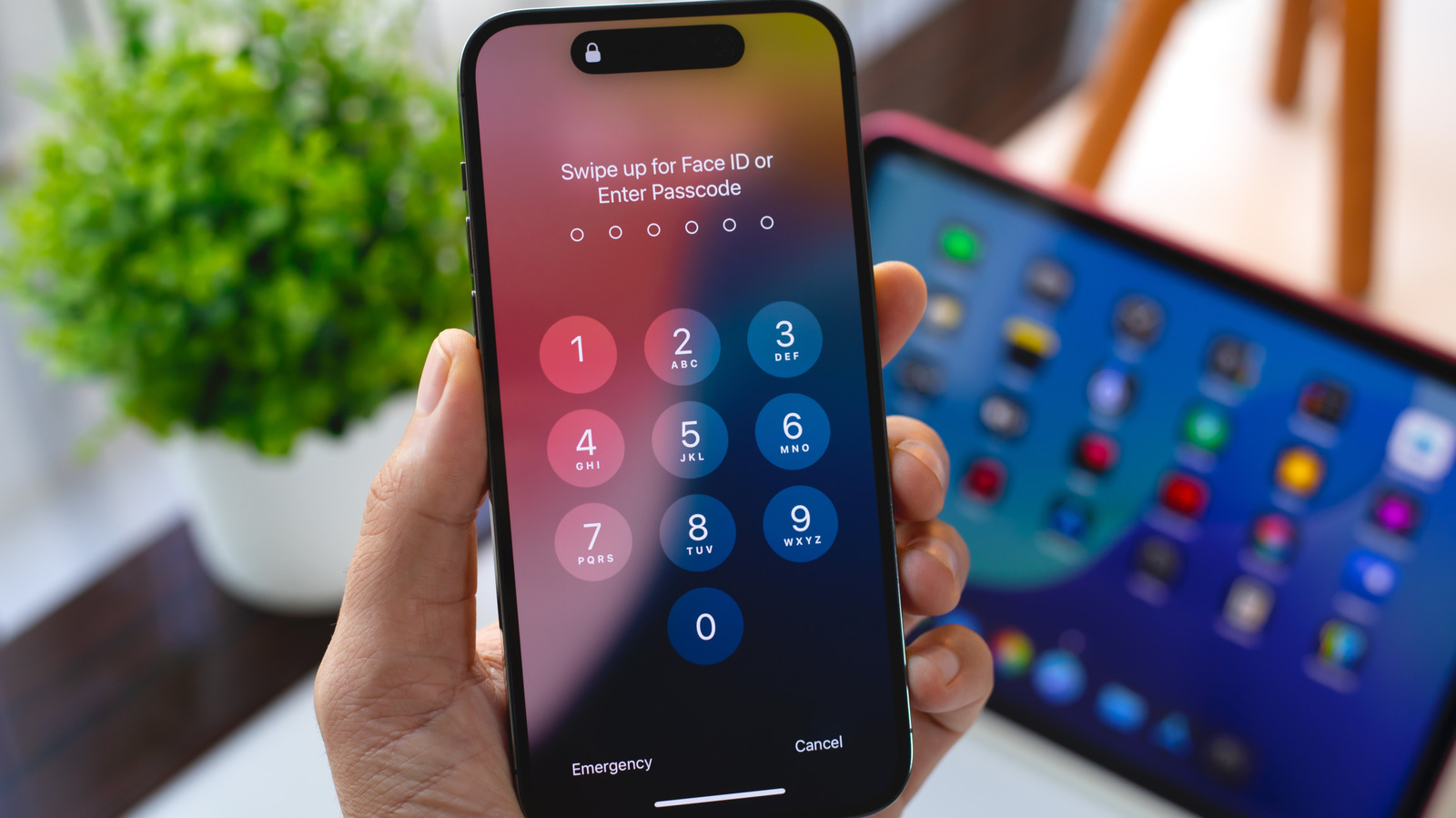
This accessibility feature can be really useful.
With iOS's Switch Control, you can control your iPhone or iPad using alternate input methods ranging from external adaptive controllers to head movements and hand gestures. It's a useful accessibility feature for anyone with limited mobility that's even more powerful than it might seem at first if you dig into its settings. One option, Use Other Devices for Switch Control, lets you use the alternate controls you set up on one iOS device to control other devices on the same Wi-Fi network, and it only takes a little bit of setup.
First, you need to enable Switch Control across your devices. Make sure any devices you want to control are connected to the same Wi-Fi network and you're signed into the same iCloud account on all of them. If you want to control a Mac desktop computer remotely, you also need to open...
Copyright of this story solely belongs to www.engadget.com. To see the full text click HERE


