What To Check If Your Nintendo Switch 2 Isn't Connecting To The TV
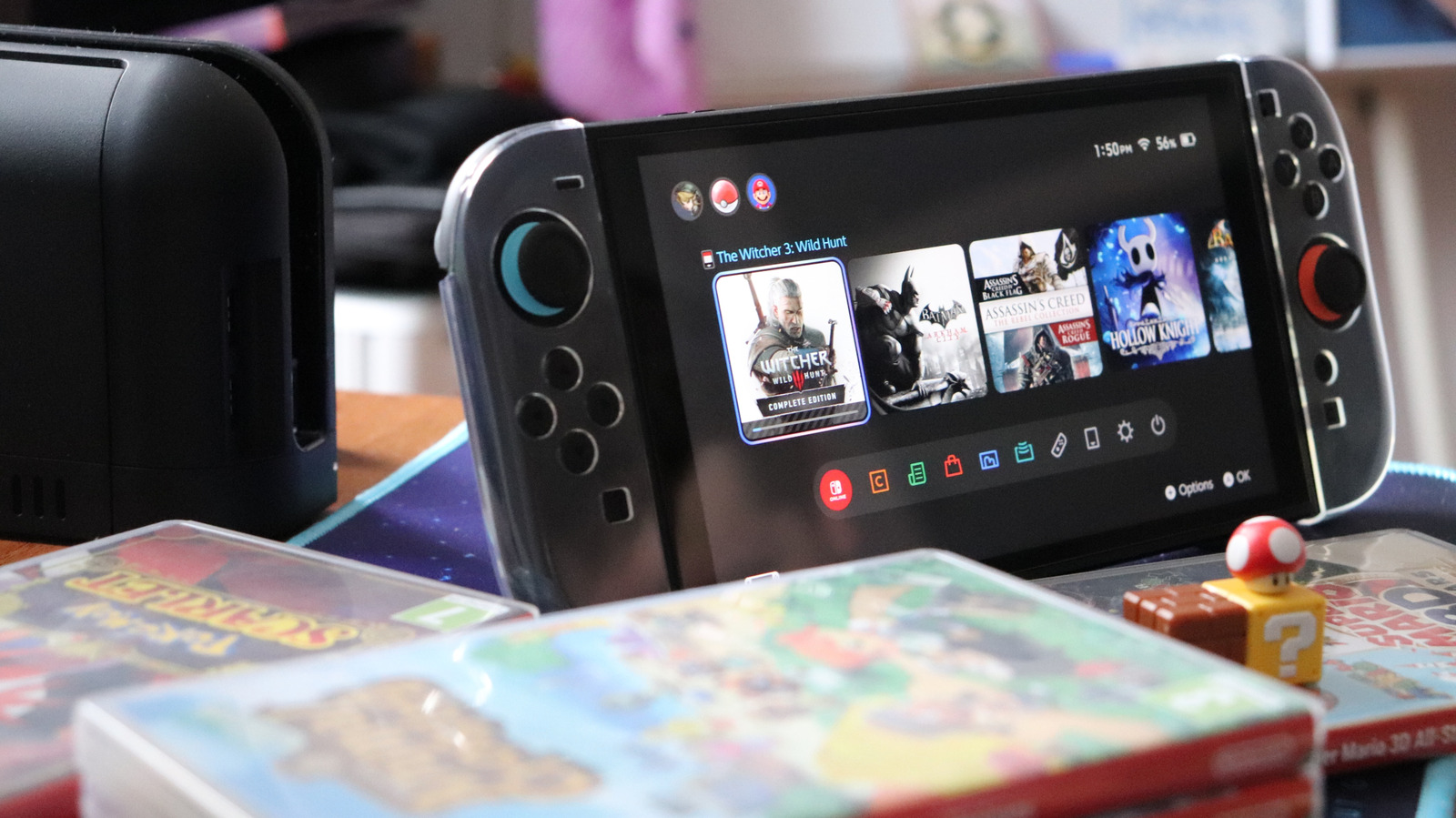
Getting a black screen? Try these steps.
laur2321/Shutterstock
One of the best things about the Nintendo Switch is the ability to play on its built-in screen for on-the-go gaming and then plug into a bigger screen at home for a more cinematic experience.
But getting the Switch 2 to play nice with a TV isn't always foolproof, and there are some compatibility-related snags you can run into. If you encounter a black TV screen or an unresponsive console, there are a few key things you can try yourself before pinging Nintendo support.
Make sure your power source works
Nintendo
Nintendo recommends powering off your TV and disconnecting all cables from the Switch 2 dock to start the troubleshooting process. That means fully disconnecting the AC adapter from the dock and the wall outlet, removing the handheld from the dock and keeping everything unplugged for about 30 seconds.
The Switch 2...
Copyright of this story solely belongs to www.engadget.com. To see the full text click HERE