
These Galaxy Z Fold 8 Tweaks Will Help You Take Full Advantage of Its 2 Screens - CNET

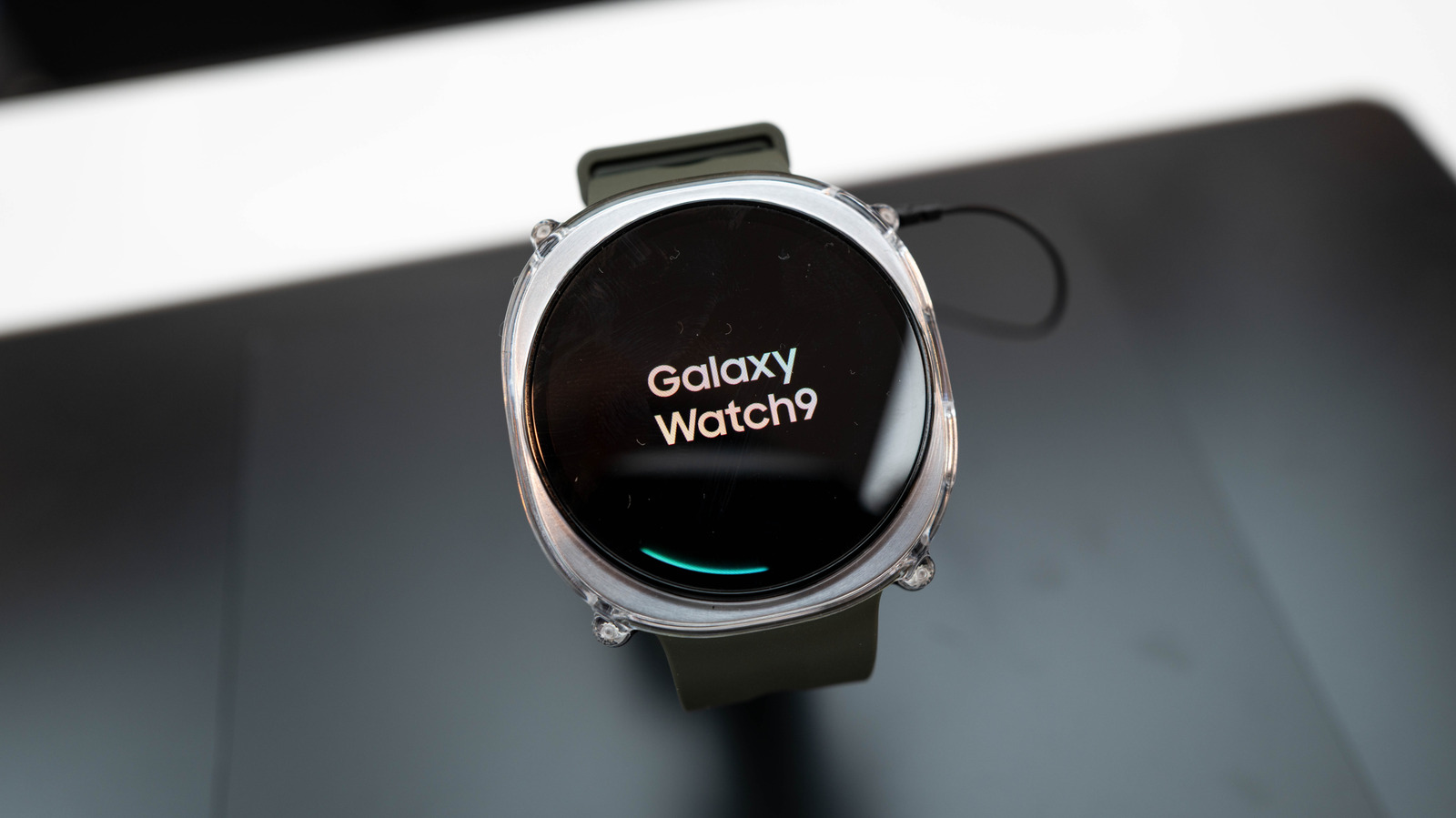
I’ve used and reviewed at least a dozen phones this year, but I keep coming back to the Galaxy Z Fold 8. This foldable phone brings me a strange sense of joy that hasn’t diminished even a few months after its launch (and despite the arrival of a popular rival). I like its symmetrical, thin and lightweight design, but it’s the customizable software experience that’s kept me hooked.
Out of the box, the Galaxy Z Fold 8, like other phones, is quite rigid software-wise. The home screen layout on the cover display is locked to a four-column grid, its camera settings aren’t configured to maximize their potential and you might not know about the multitasking improvements.
Thankfully, you can change these settings, but you’ll need to dive into a few additional tools beyond just the standard Settings menu to do so.
More from CNET
I spent two hours...
Copyright of this story solely belongs to www.cnet.com. To see the full text click HERE