Stop Letting These 3 iOS Features Wreck Your Daily Battery Life
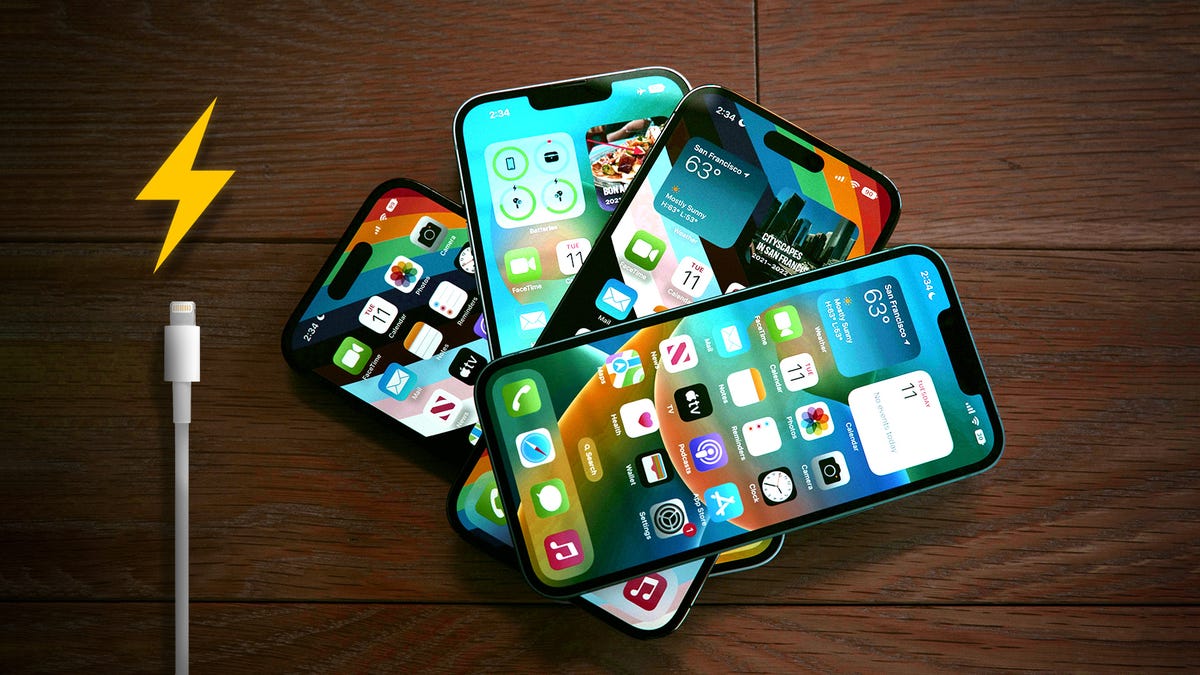
You probably aren't using these iOS features, but they're definitely draining your battery.
3 min read
Having a smartphone shouldn't mean needing to carry a charger everywhere, but sometimes your phone just can't hack it past dinner. While lithium-ion batteries naturally lose capacity over time, one of the more immediate drains is unnecessary high-performance features -- often ones you don't even need or use.
Your iPhone has a few key settings that drain your battery in the background. The good news is, you can turn them off. Instead of watching your battery percentage plummet at the worst possible moment, a few simple tweaks will give you hours of extra life.
Before you even think about buying a new phone, check your Battery Health menu (anything above 80% is decent) and then turn off these three settings. It's the easiest way to make your iPhone battery last longer, starting right now.
...
Copyright of this story solely belongs to cnet.com. To see the full text click HERE