My Extension's Side Panel Needed Testing and Browser Tools Couldn't Reach It: So I Built This
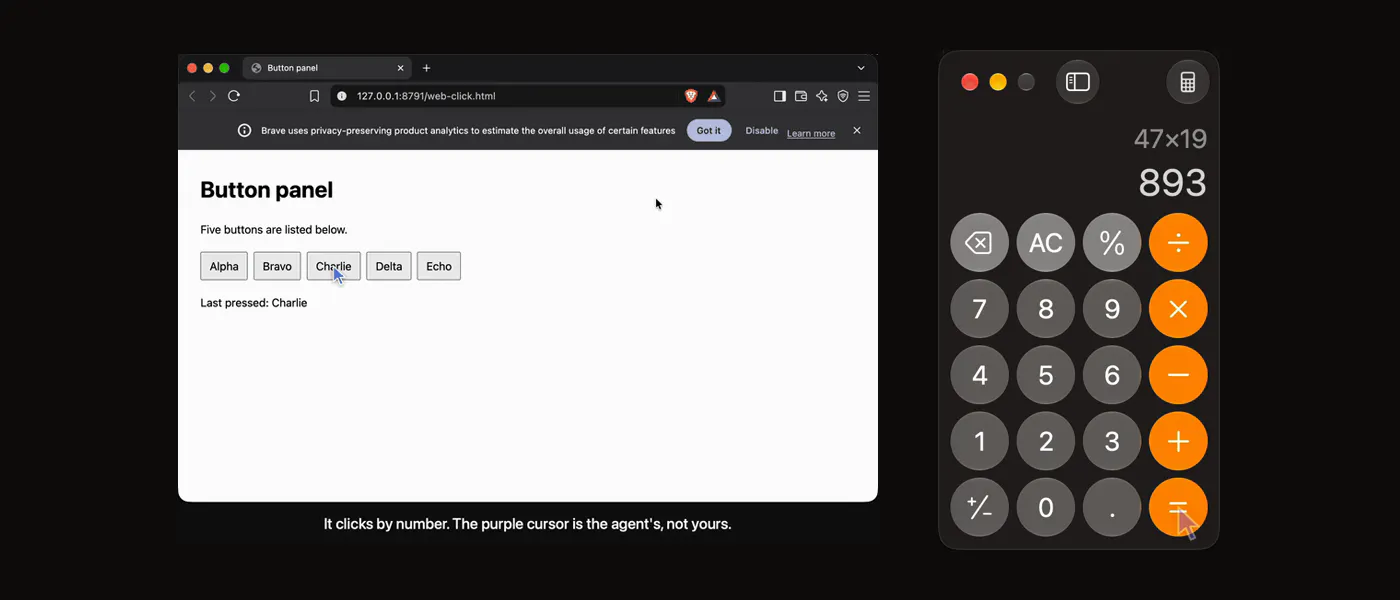
Testing my Chrome extension meant opening its side panel and reloading it after every change, by hand. I wanted a coding agent to run that loop. Browser-automation tools couldn't, because they drive the page and the toolbar and side panel belong to the browser. Codex's computer use showed me an agent could do it on a Mac, so I built an open one.
That small problem led me into the part of macOS that screen readers use, and it turned out to be a good interface for agents too. This is what I learned building YouxPC on it, including three things I got wrong.
The screen already has a text version.
macOS exposes every window as a tree of elements. Each has a role (button, text field, link), usually a name, and sometimes a value. This is the accessibility tree, the thing VoiceOver reads.
For an agent, that's a description...
Copyright of this story solely belongs to hackernoon.com. To see the full text click HERE