How To Turn On Developer Mode On Your Chromebook
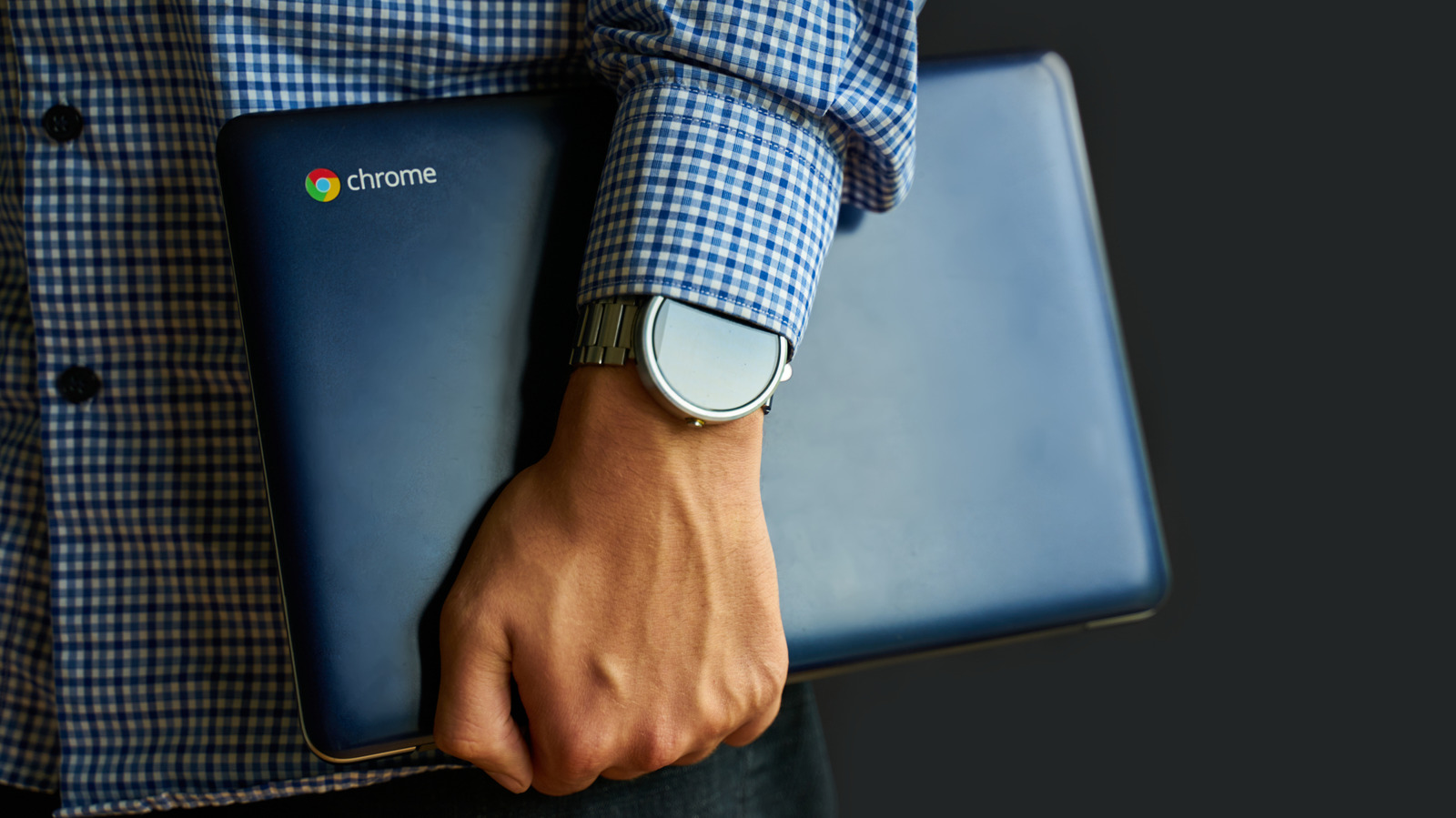
It's easy, but it's also a little risky.
Savusia Konstantin/Getty Images
Chromebooks have earned their reputation as affordable, secure and simple machines over the years. Most owners never venture beyond the Play Store, downloading apps and calling it a day. But much like Android power users, Chromebook owners can take things one step further and unlock a completely different experience by turning on Developer Mode.
Developer Mode strips away many of ChromeOS' built-in protections and gives you full control over the system, which may or may not be a good idea depending on your technical knowledge. Still, you get root access, kernel modifications and the ability to install software that was never on the Play Store. It's a powerful tool, so it's not something you should use without understanding what you're getting into.
So what exactly does Developer Mode do? When does it actually make sense to use it? How...
Copyright of this story solely belongs to www.engadget.com. To see the full text click HERE