How to Run vLLM Natively on Windows
Disclosure: I'm the author of vllm-windows-build, the open-source project (MIT license) this article describes. It is my own project, not affiliated with the vLLM team. I built it with heavy AI-assisted coding using Claude Code, and I tested the results myself, mainly on an RTX 3090 and RTX 3060.
Any numbers below come from the project's published release notes and build records. The technical content of this article was written with AI assistance and edited by me from the repo documentation. This article was first published at https://dev.to/aivrar/running-vllm-natively-on-windows-4ahm.
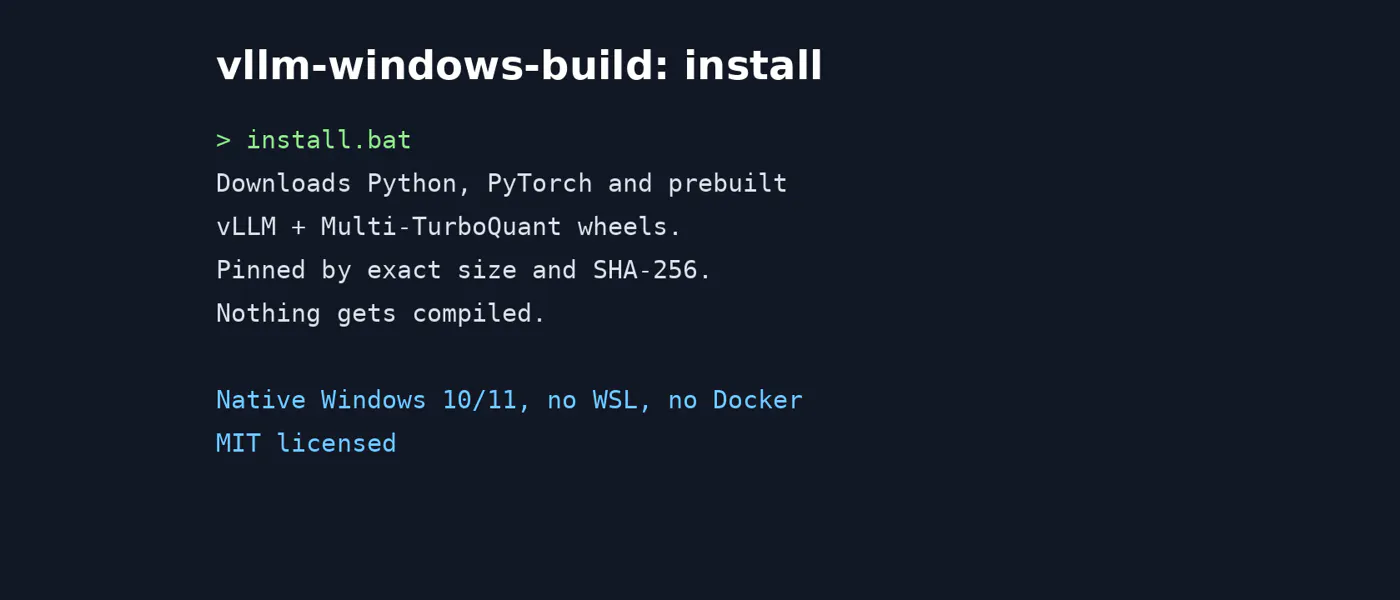
vLLM officially supports Linux only. On Windows, the usual answer is WSL or Docker. I wanted it running natively, with real CUDA kernels and an OpenAI-compatible server, and no Linux layer. So, I maintain vllm-windows-build: patches, prebuilt wheels, and portable installer scripts for running vLLM directly on Windows 10/11.
Disclosure:I built this repo, and I built it with heavy AI-assisted...
Copyright of this story solely belongs to hackernoon.com. To see the full text click HERE