How to Reframe AI-Generated Video for Any Aspect Ratio Without Regenerating It
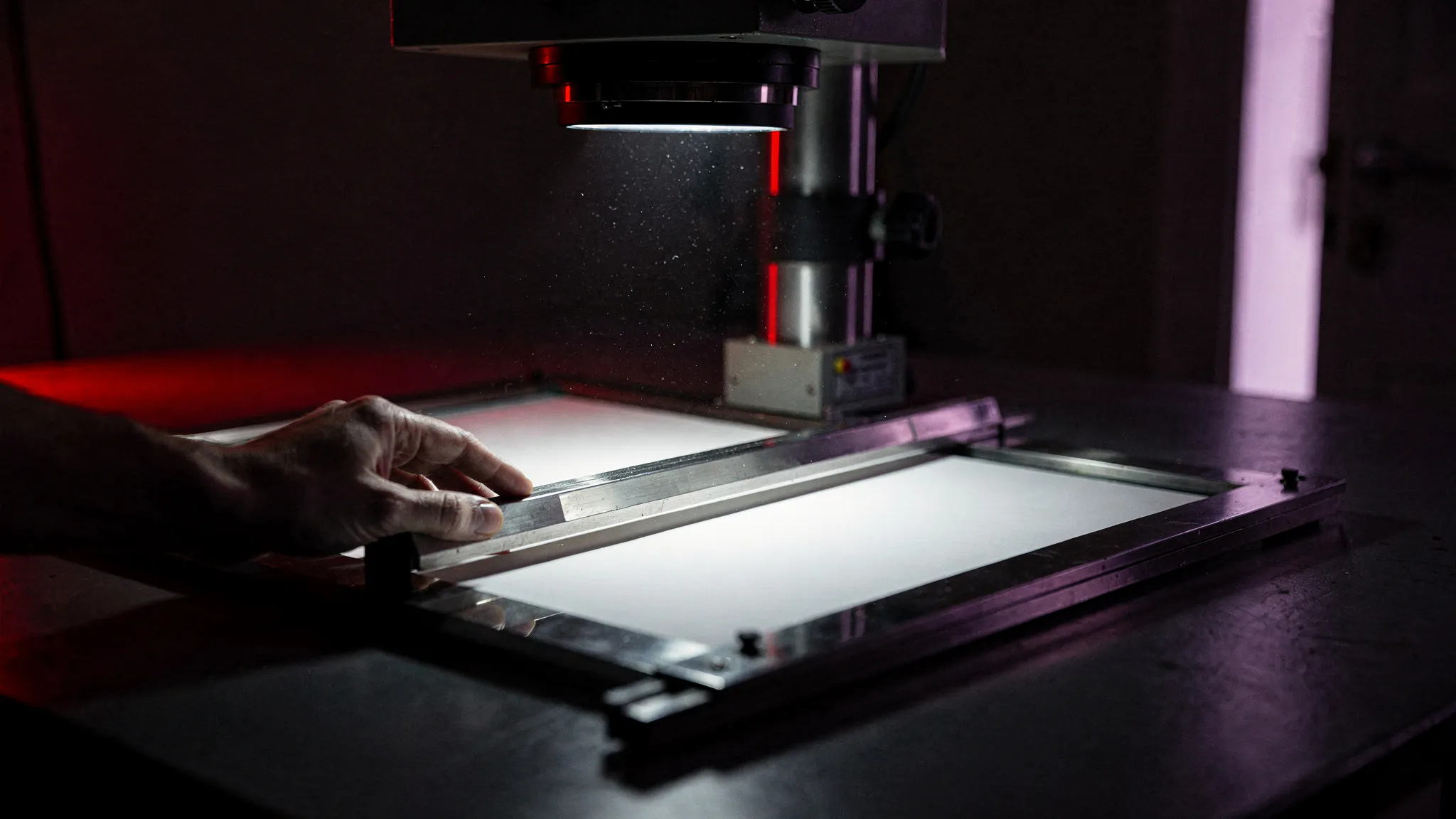
Outpainting can turn one AI-generated shot into 16:9, 9:16, and 1:1 without a second render. Here’s when that holds up, and when it doesn’t.
You generate a shot once. Then YouTube wants it in 16:9, the short-form cut wants 9:16, and the thumbnail wants something closer to square. The fastest tool in most people’s kit is still “run the prompt again,” which means paying for the clip a second and third time and hoping the seed, the lighting, and the framing land close enough to match.
AI video outpainting fixes this by generating new pixels around the existing frame instead of cropping into it or regenerating from scratch, which is why reframe tools now ship from Runway, Luma, and Higgsfield as a standard feature rather than a novelty.
That’s the short version. The rest of this is about when the technique holds up, when it doesn’t, and how to stop...
Copyright of this story solely belongs to hackernoon.com. To see the full text click HERE