How To Prepare Your iPhone For The iOS 27 Update
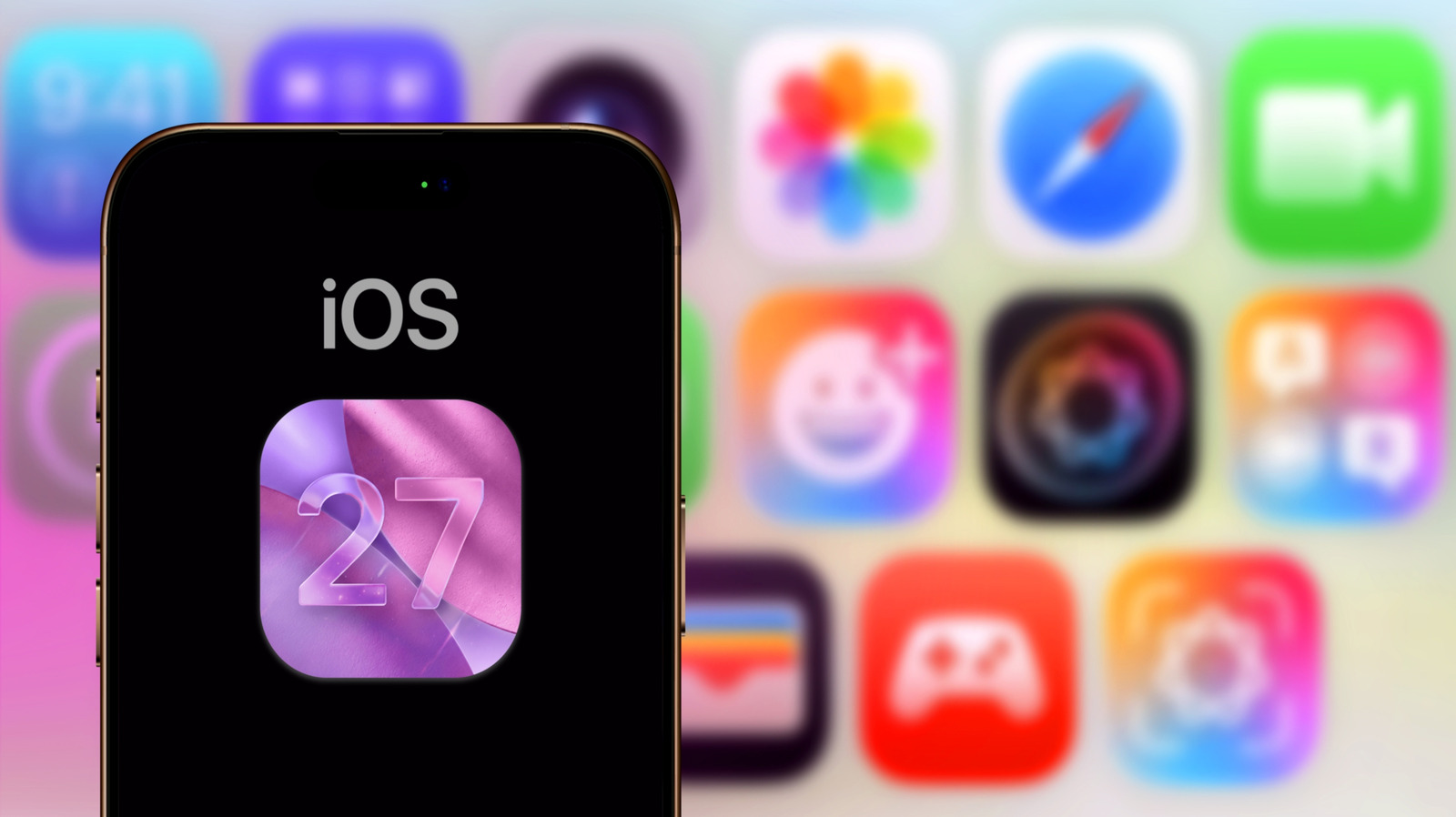
A quick checklist of pre-update preparations will help your iOS 27 upgrade go smoothly.
DANIEL CONSTANTE/Shutterstock
How to ensure a smooth transition to iOS 27
Yalcin Sonat/Shutterstock
First, there are the core requirements. The update process requires room for temporary files along with the main download, so you'll want to have a good amount of free space. Try to have around 18 to 25GB available, using unconventional ways to clean up your iPhone if you're currently low.
You'll also need enough power to update your device. While 50 percent battery life should be enough to get you through the process, it's much safer to keep your phone plugged in while updating. Keep your phone connected to Wi-Fi too.
Furthermore, you'll need to decide if you want to start the update yourself or let it run automatically. Head to Settings > General > Software Update > Automatic Updates to configure this...
Copyright of this story solely belongs to www.engadget.com. To see the full text click HERE