How to Extract HEX and RGB Colors From an Image for Web Design
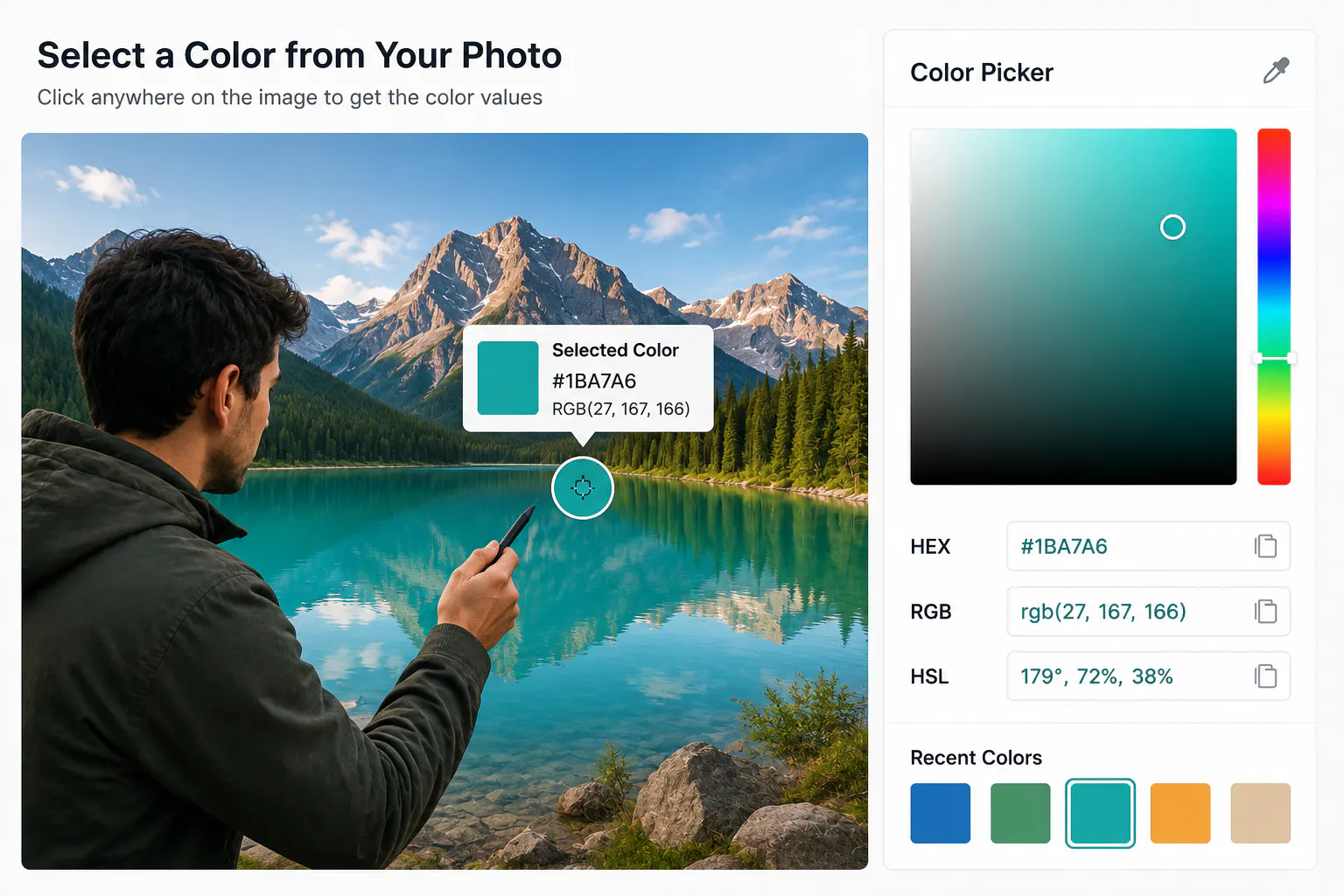
Choosing colors for a website or user interface is often easier when you already have a visual reference. A photograph, illustration, product image, or screenshot can contain colors that work well together, but identifying their exact values by eye is difficult.
Instead of guessing, you can use an image color picker to select a color directly from an image and retrieve its digital color values.
For web developers and designers, this provides a simple way to turn colors from an existing visual reference into usable CSS values.
What Does It Mean to Pick a Color From an Image?
Digital images are made up of pixels. Each pixel contains information that represents its color.
When you select a point in an image with a color picker, the tool reads the color information at that location and represents it using a standard color format.
For example, the selected color might be represented...
Copyright of this story solely belongs to hackernoon.com. To see the full text click HERE