How To Customize The Side Button On Your Samsung Galaxy Phone
You might be surprised at all the things it can do.
Wongsakorn 2468/Shutterstock
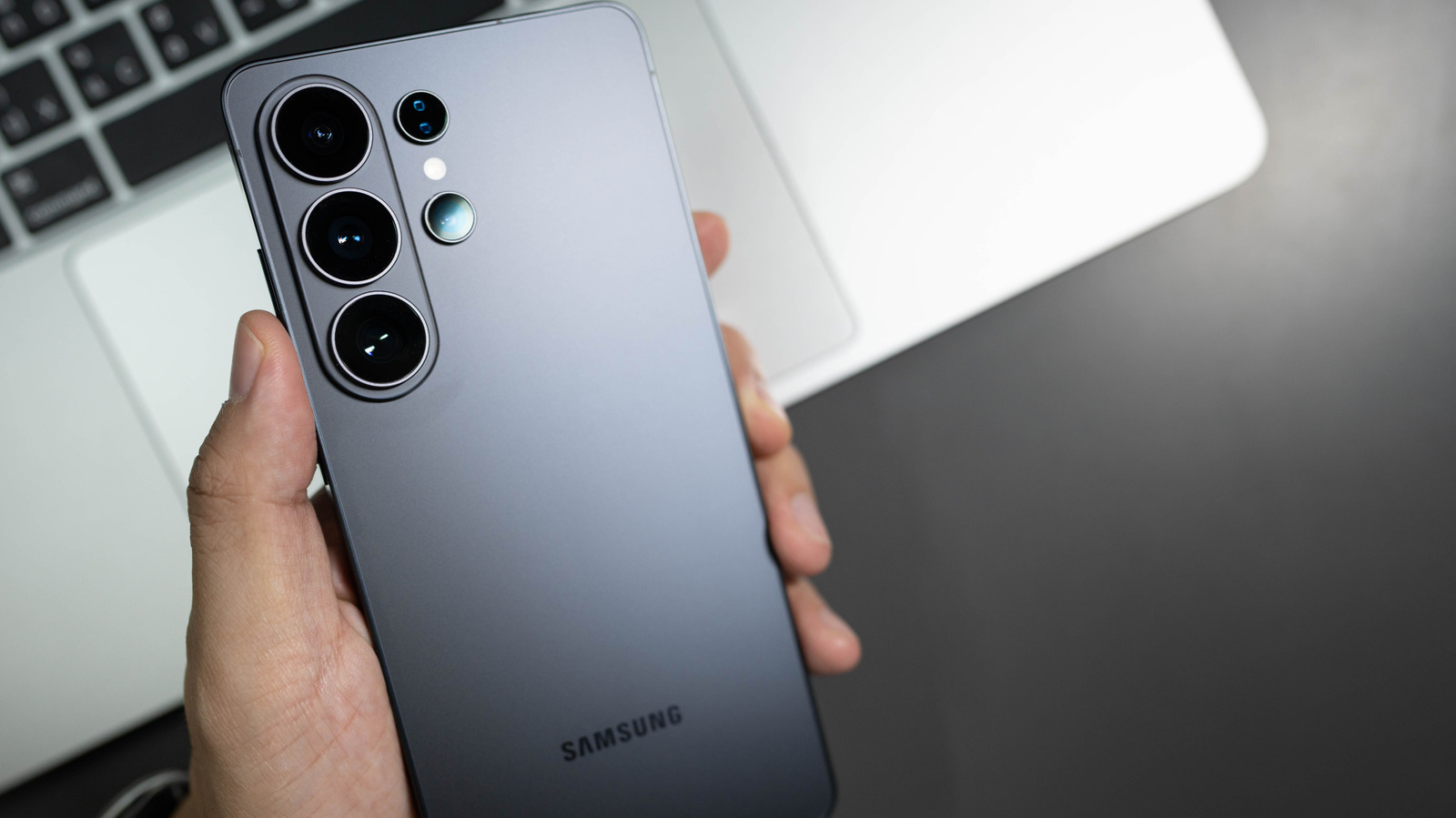
Did you know that Samsung stopped making phones with traditional power buttons in 2019? That button beneath your Samsung phone's volume button is actually a multifunctional and customizable side button. If you used any Samsung flagship phone between the S8 and S10, you probably noticed a fourth physical button on the side of the device: the infamous Bixby Button. That fourth button didn't disappear; it actually got merged with the power button on Galaxy phones from the Note 10 series and beyond.
By default, a short press on the side button turns the screen on and off, a long press activates Samsung's Bixby assistant, a double press opens the camera; long-pressing the side button plus volume-down button opens the power menu, and a short press of the same buttons takes a screenshot. The good news is...
Copyright of this story solely belongs to www.engadget.com. To see the full text click HERE