
How to clear the cache on your Fire TV
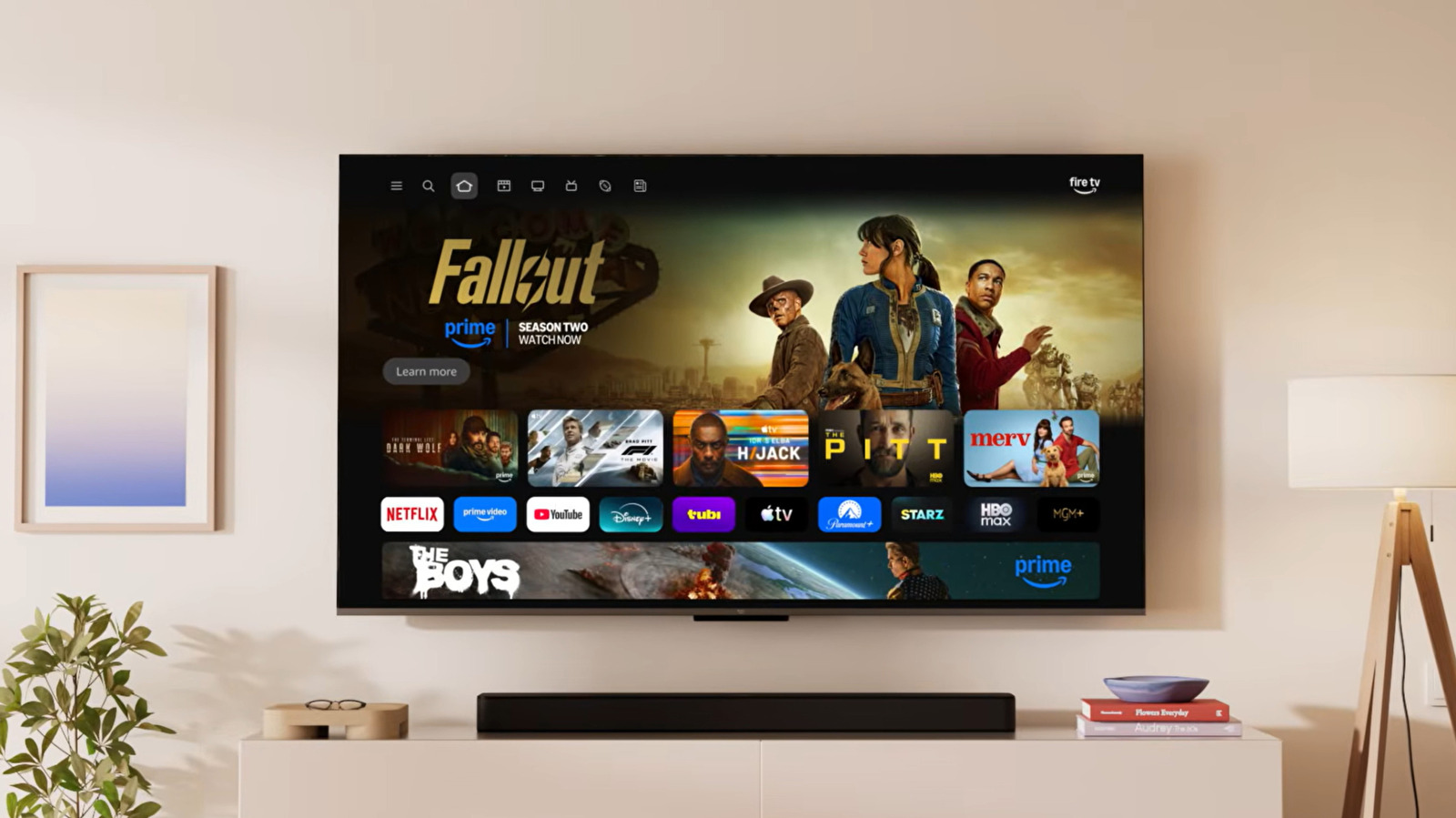
Your Fire TV does this automatically, but you can force it if you're facing issues.
We may receive a commission on purchases made from links.
Sometimes all you want is to sit down and decompress with a horrifyingly comic trip to Widow's Bay, but end up getting frustrated by a slow, buggy or unresponsive TV. If you're using an Amazon Fire TV or Amazon Fire TV Stick, that doesn't necessarily mean it's time to upgrade your device. Instead, you may simply be suffering from a storage issue.
Your Amazon Fire TV and Fire TV Stick may be slowbecause your cache is taking up too much storage. Essentially, these devices store information like your watch history and thumbnails in temporary files to make it easier and quicker to access when needed. Much like the web browser cache on your computer, this data is essential to keeping load times short and...
Copyright of this story solely belongs to www.engadget.com. To see the full text click HERE