How To Add Extra Ethernet Ports If Your Router Doesn't Have Enough
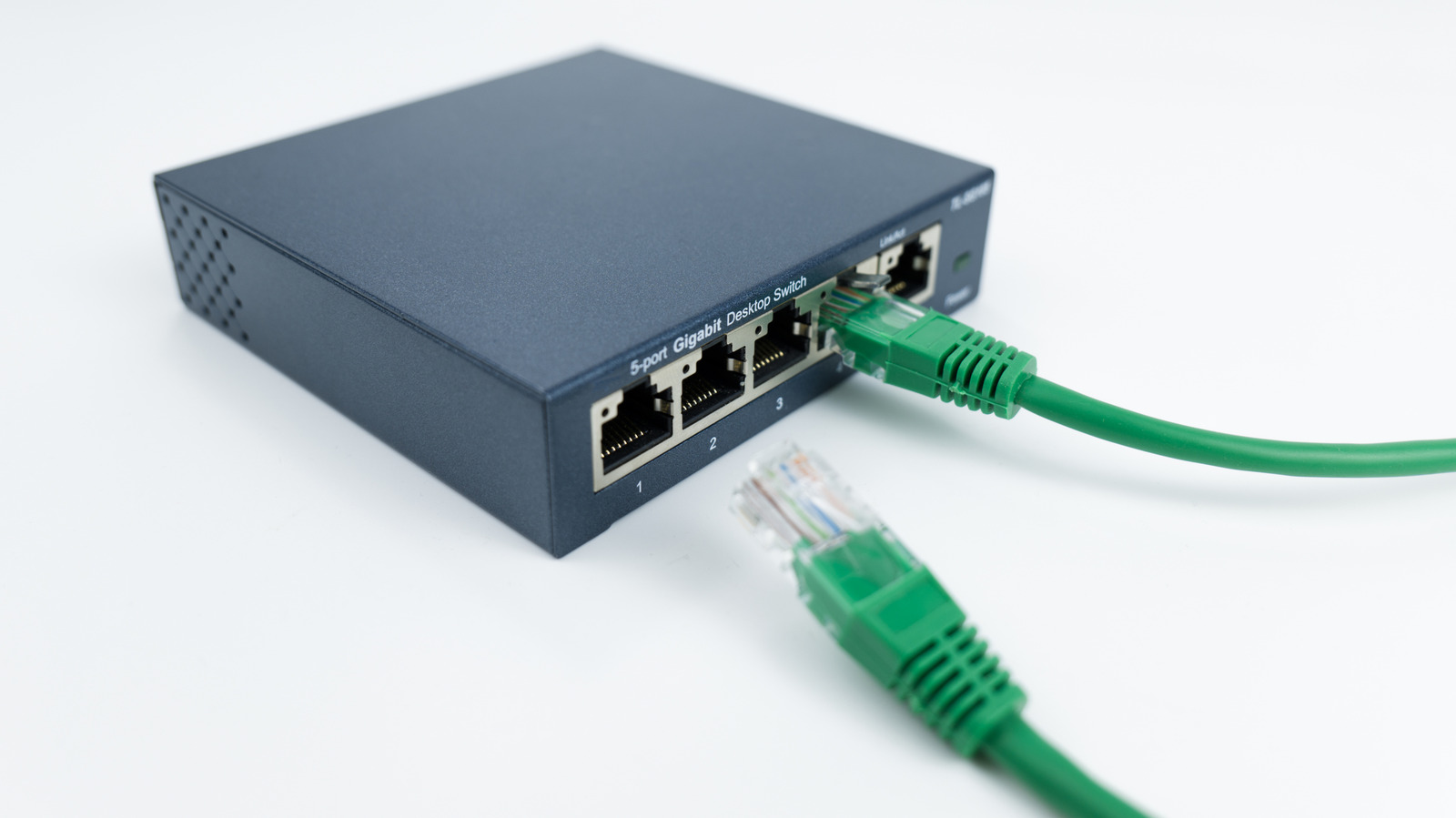
You don't need a new router to get more Ethernet ports; the solution is much simpler.
Otto-photos/Getty Images
With more and more devices offering internet connectivity, running out of Ethernet ports on your router is a common frustration. A few ports aren't enough to connect your smart TV, game consoles, desktop computers, NAS drives, home office equipment and more. If you're maxed out, you might assume you need a new router, but that's not the case.
The real solution is simpler, more affordable and takes only minutes to set up: an Ethernet switch. This (often compact) plug-and-play device connects to one of your router's LAN ports and immediately expands your wired network capacity. Depending on the model, a single switch can add four, seven, 15 or even more ports to your setup — all without replacing your router or reconfiguring your network.
This matters because while Wi-Fi has improved significantly...
Copyright of this story solely belongs to www.engadget.com. To see the full text click HERE