Here's Why Some Monitors Have Two USB Ports (And The Best Ways To Use Them)
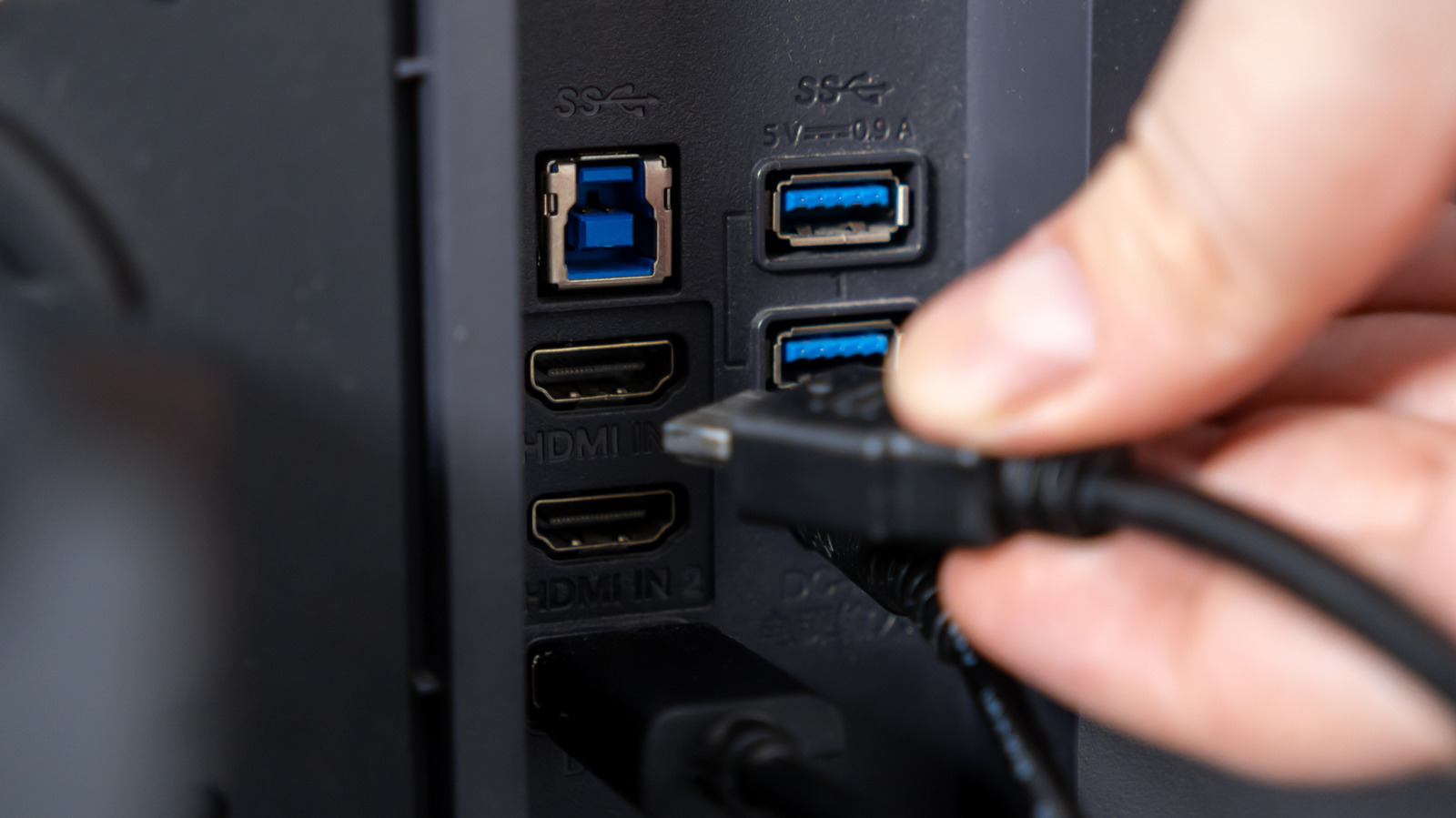
Your monitor's USB ports have many uses, but they don't all have the same capabilities.
aileenchik/Shutterstock
If your monitor has a couple of USB ports tucked along its back or side, they're likely there for your computer rather than the display itself. On monitors with this built-in USB hub, you can connect a keyboard, mouse, webcam, flash drive or other accessory to the monitor and have it communicate with your PC through the USB connection.
The exact way the ports work depends on the monitor. On some models, the video connection and the USB hub are separate, so you might use HDMI or DisplayPort for the picture and another USB cable to make the monitor's USB ports work with your computer. On supported USB-C monitors, one cable can handle both jobs. You can plug a keyboard or mouse into the monitor, then connect the monitor to your laptop with USB-C,...
Copyright of this story solely belongs to www.engadget.com. To see the full text click HERE