
Googlebook Dock and Monitor Guide: What to Check Before You Buy
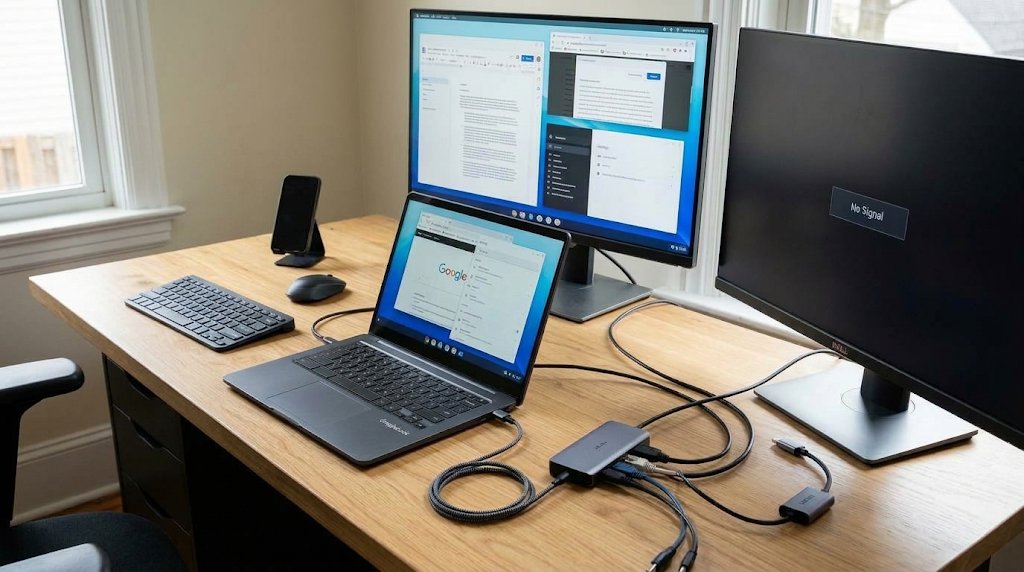
Before replacing your laptop, check what’s plugged into it.
Google says Googlebooks support at least two external displays, and you can work with the lid closed. But that doesn’t tell you whether your existing dock will drive both screens, keep the laptop charged, or wake it the way your old setup did. Dell, for example, documents a case in which a 4K monitor goes blank via one of its own docks and recommends plugging the screen directly into the laptop.
Our November Googlebook update coverage looked at fixes for display and USB-C problems on HP and Dell models. This guide answers the remaining buying question: which parts of your desk setup can you reuse, and what should you test before spending money?
How the five Googlebooks compare for desk setups
The table covers the five US launch models in TechRepublic’s Googlebook lineup comparison.
The article compares published hardware specs...
Copyright of this story solely belongs to www.techrepublic.com. To see the full text click HERE