CleanMyMac CLI: Cleaning a Mac Dev Environment Without Leaving the Terminal
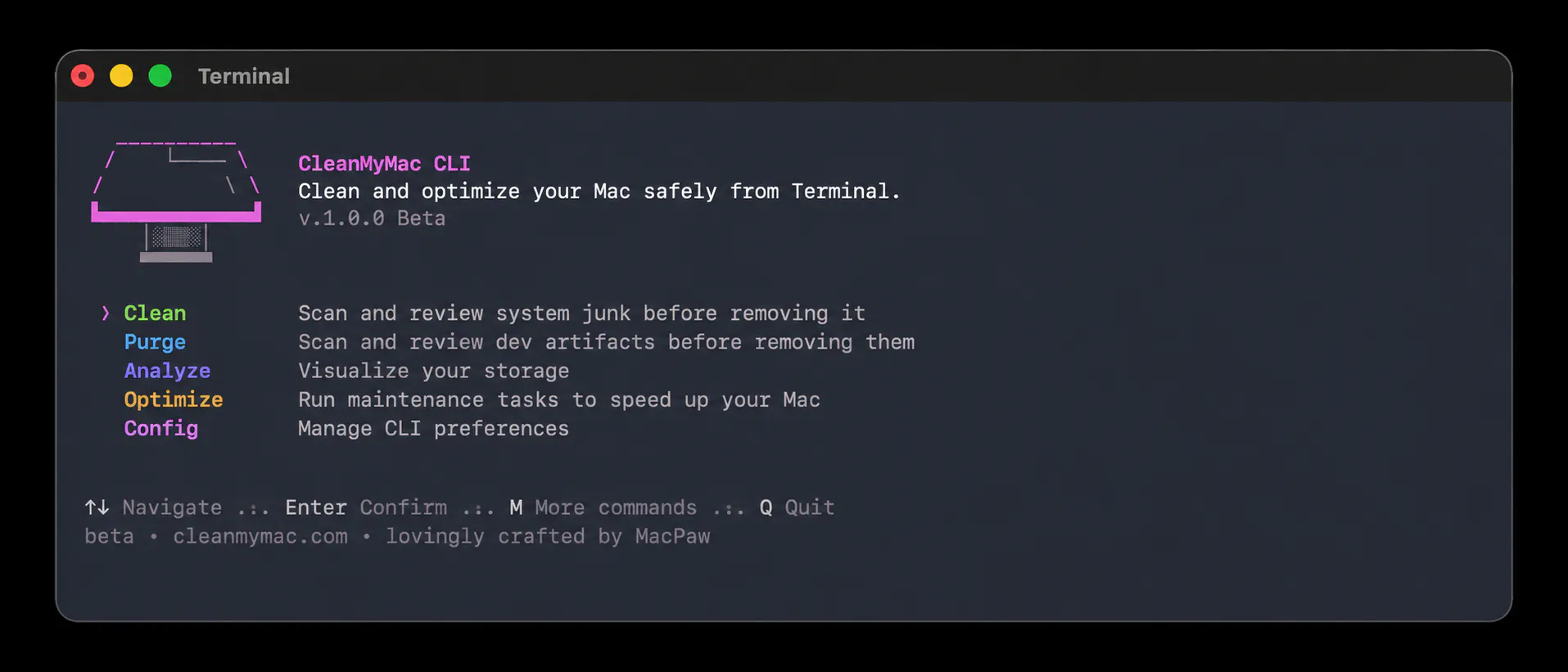
Most development work happens in the Terminal. Projects get built there, logs get checked, and scripts get run. The same environment also fills up over time with things that are easy to forget about: package-manager caches, old build artifacts, Docker layers, Xcode leftovers, and the general debris of everyday work. Clearing it out has usually meant switching to a separate application, which breaks whatever was in progress.
CleanMyMac now has a command-line version that runs entirely in the Terminal — еhe goal was to clear developer clutter in the same place developers already work.
What CleanMyMac CLI is
For most of its history, CleanMyMac has been a graphical Mac app: users open a window, run a scan, and review the results by clicking through them. A command-line interface, or CLI, does the same kind of work through typed commands instead of a graphical window. CleanMyMac CLI reuses the cleanup logic...
Copyright of this story solely belongs to hackernoon.com. To see the full text click HERE