Build-Time Syntax Highlighting With Shiki and Rehype
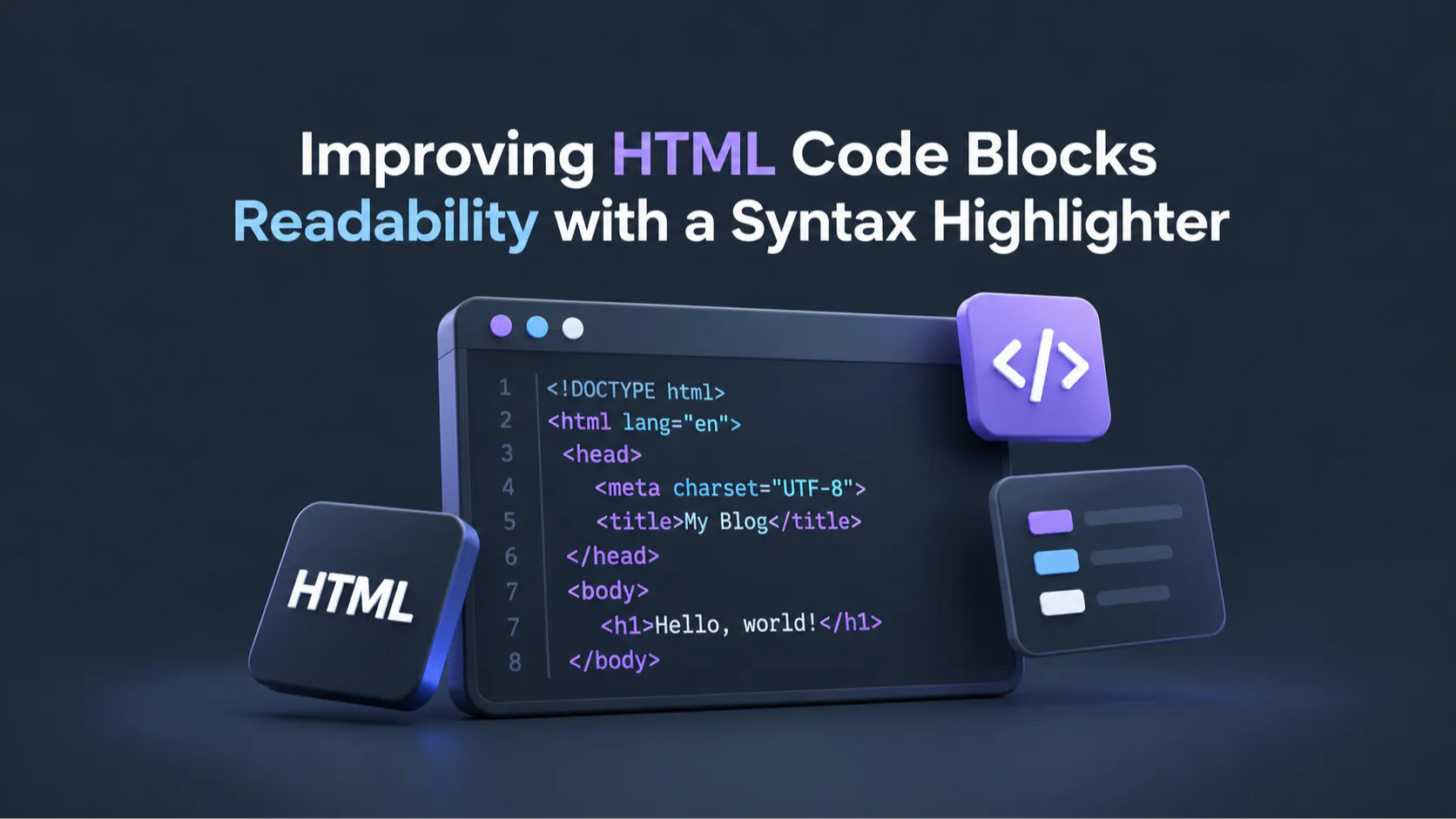
A code block written by hand is pretty simple: use the 'pre' and 'code' HTML elements, and the browser gives you a monospace font and keeps your line breaks, but it stops there. So every keyword, string, comment, and variable comes out in the exact same color, which is fine for a few lines of YAML, but for a few hundred lines of TypeScript painted in a single flat tone, maybe not. Improving readability for those cases doesn't require shipping a highlighting library to the reader's browser (unless you want to) and is quite simple to do.
Highlighting code blocks with ShikiJS
ShikiJS uses the same TextMategrammars and themes that VS Code uses, which means the code on your page ends up looking like the code in your editor. And because it can run anywhere, the highlighting may happen while the page is being built, so the reader downloads...
Copyright of this story solely belongs to hackernoon.com. To see the full text click HERE