A Three-Layer Setup for Multiple GitHub Accounts on One Machine
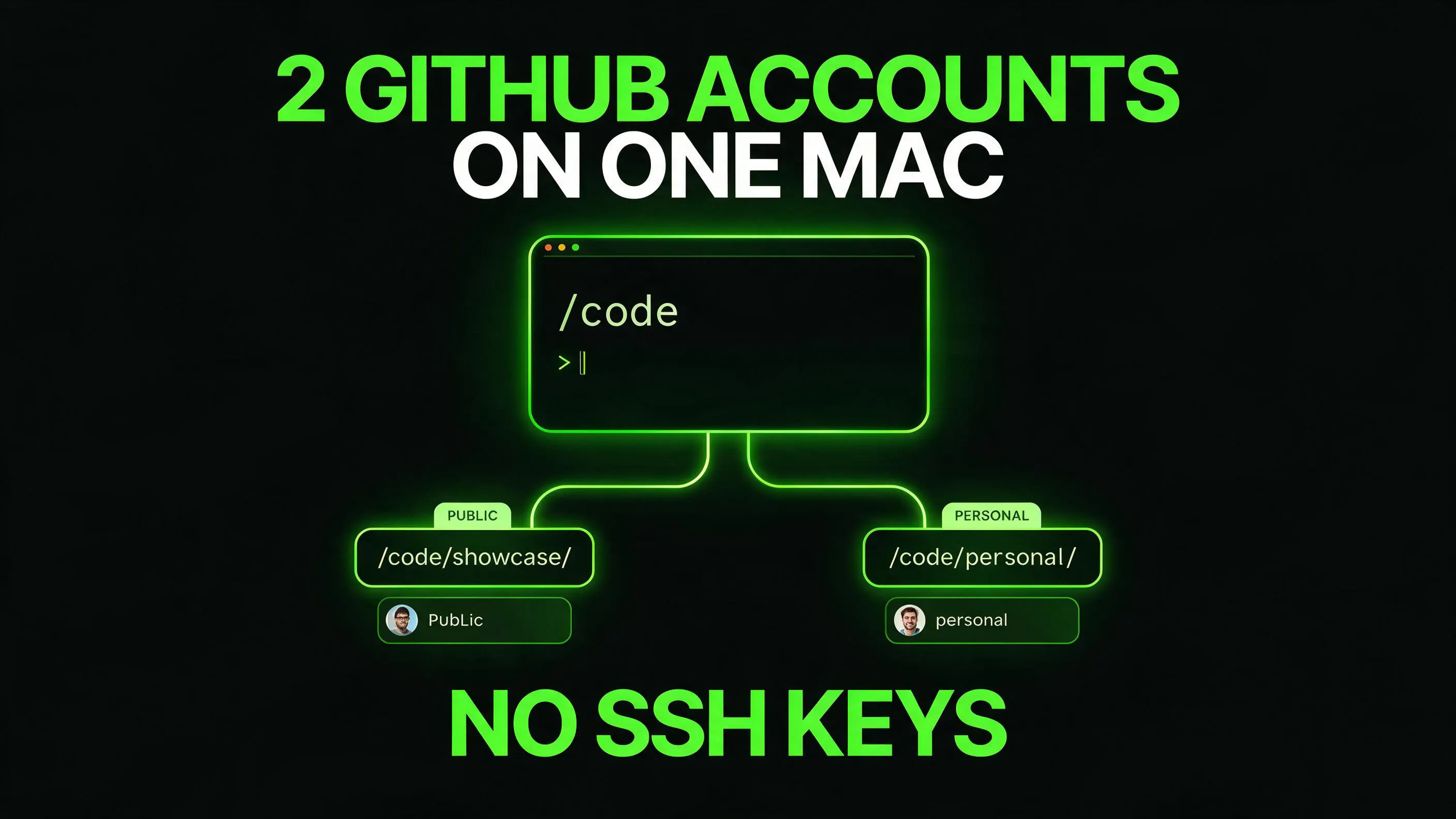
A three-layer setup routes Git commit identity, HTTPS push credentials, and the GitHub CLI account by repository folder, including in headless shells.
TL;DR.Two GitHub accounts on one machine, routed entirely by which folder a repo lives in. Three problems, three fixes:
All three route by folder, so nothing depends on remembering to switch accounts. It’s HTTPS with gh-managed tokens throughout and no SSH keys. The steps are below, and the reason for dropping SSH is at the end.
What you need first
- A Mac
- Two GitHub accounts
- git 2.13 or newer, for the includeIf directive
- The gh CLI installed, with both accounts logged in (gh auth login once per account; the tokens live in the macOS keyring)
The commit that went out under the wrong account
I run two GitHub accounts on this Mac. One is thekashifnazir, the public account tied to work I want people to see; the...
Copyright of this story solely belongs to hackernoon.com. To see the full text click HERE