

5 iPhone Features You Should Be Using After Updating To iOS 27
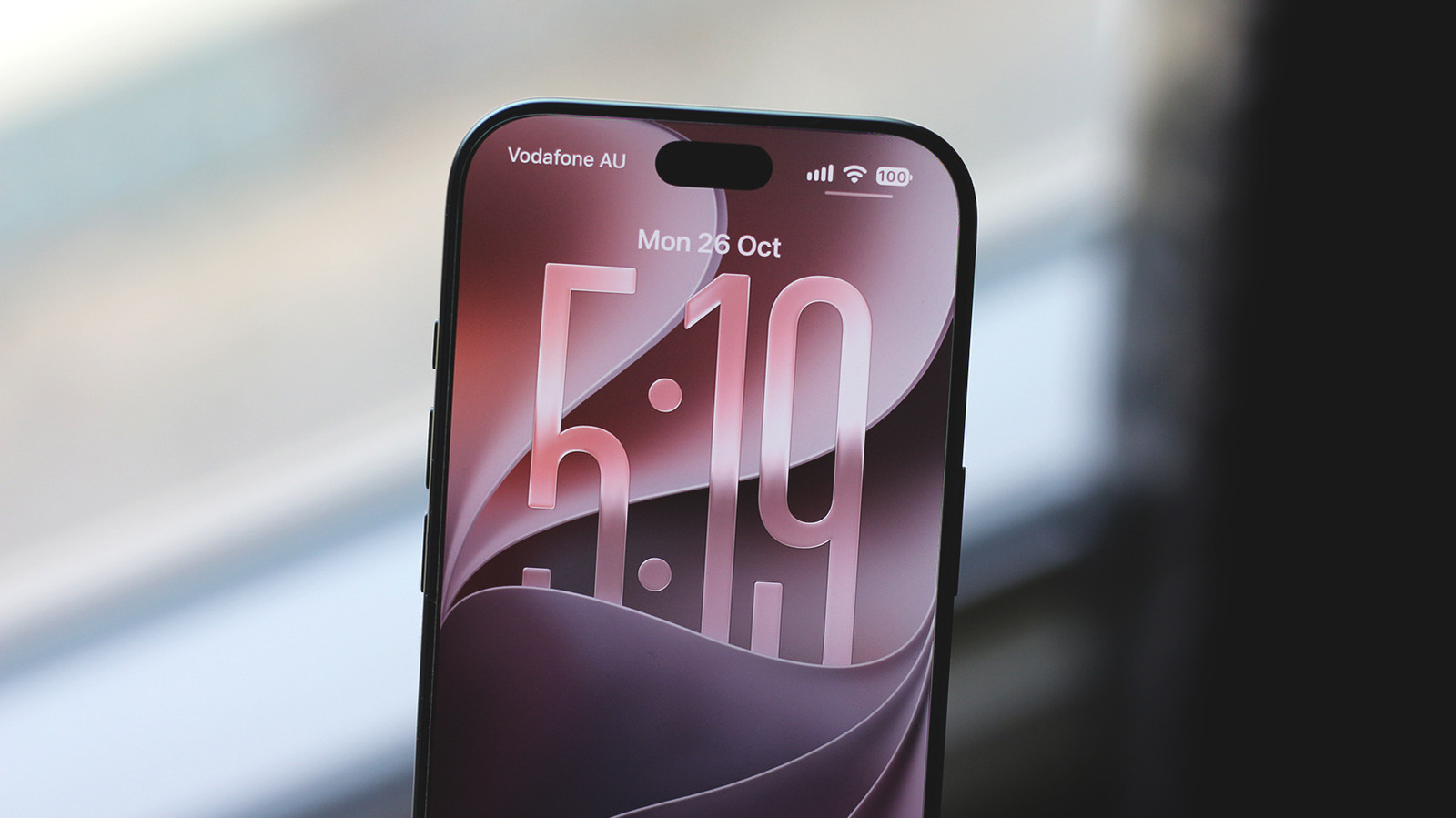
iOS 27 just made your iPhone a lot more capable.
Adnan Ahmed for Engadget
The iPhone is easy to recommend to anyone looking for great smartphone hardware and long-term software support. The previous few iOS releases, however, have been pretty janky. With iOS 27, Apple therefore shifted its focus to ironing out bugs and improving overall stability rather than cramming in another round of flashy new features, and a good chunk of the WWDC 2026 keynote covered improvements such as snappier app launch times, faster AirDrop transfers and better memory management.
Apple's commitment to software updates also means iOS 27 compatibility extends all the way back to the iPhone 11, which is great news since iOS 26 would have been a terrible final major update to be stuck on. If you haven't already updated your iPhone, you can do so by navigating to Settings > General > Software Update.
...
Copyright of this story solely belongs to www.engadget.com. To see the full text click HERE


